
Few things are more frustrating than finally sitting down for a gaming session, grabbing your controller, pressing the power button, and… nothing happens.
If you’re asking yourself, “Why won’t my PS5 turn on?“, you’re not alone. This is one of the most common issues PlayStation owners experience, and the good news is that not every case means your console is permanently damaged.
At Gadget Medic Express, we’ve helped gamers throughout Longview, Henderson, Gladewater, Hallsville, Kilgore, White Oak, Gilmer, Daingerfield, and surrounding East Texas communities diagnose and repair PlayStation consoles for more than 13 years. Whether it’s a simple power issue or a motherboard-level repair requiring microsoldering, understanding the cause is the first step toward getting back in the game.
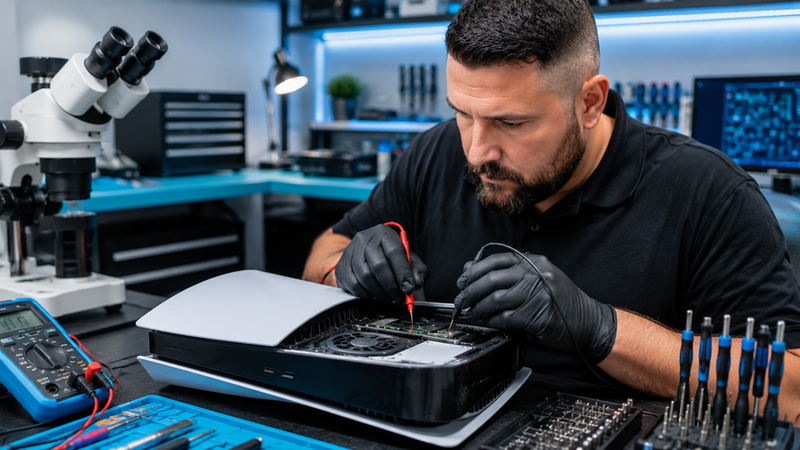
Why Won’t My PS5 Turn On? Start With the Basics
Before assuming the worst, it’s important to rule out a few simple possibilities.
Check the Power Cable
It sounds obvious, but loose or damaged power cables are surprisingly common.
Inspect the power cord for:
- Visible damage
- Bent connectors
- Frayed sections
- Loose connections
Try connecting the PS5 directly to a wall outlet rather than a power strip or surge protector.
Sometimes the fix is as simple as replacing a faulty cable.
Test a Different Outlet
Power surges, tripped breakers, and faulty outlets can prevent your console from receiving power.
Try plugging another device into the same outlet. If that device doesn’t work either, the problem may not be the PS5 at all.
The PS5 Is Beeping But Won’t Turn On
One of the most common complaints we hear is:
“My PS5 beeps once, but nothing happens.”
This often points to one of several hardware-related issues:
- Internal power supply problems
- Motherboard faults
- Corrupted firmware
- Overheating protection mode
The beep indicates the console is attempting to start but cannot complete the boot process.
If you hear a beep but see no video signal or lights, additional diagnostics may be needed.
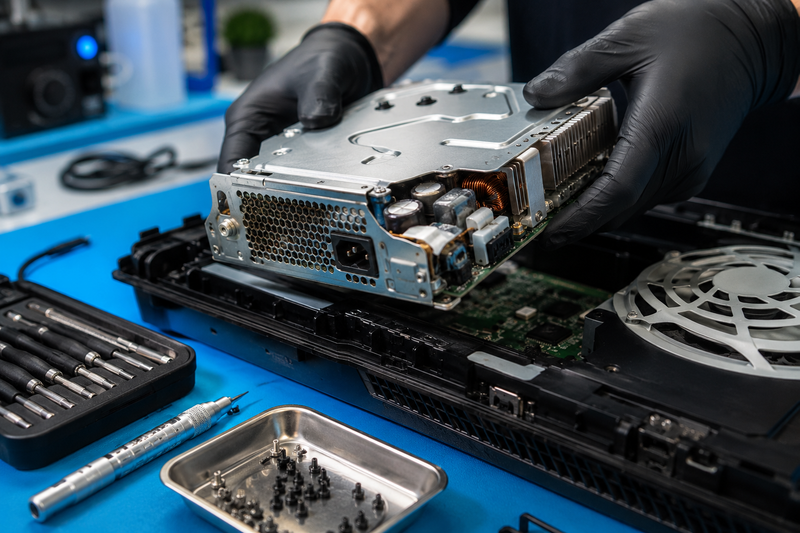
Overheating Can Prevent Startup
The PS5 generates a significant amount of heat during gameplay.
Over time, dust buildup can:
- Restrict airflow
- Block cooling vents
- Increase internal temperatures
When temperatures become excessive, the console may enter a protective shutdown state.
Signs of Overheating
- Fan running loudly before shutdown
- Unexpected power-offs
- Console feels unusually hot
- Frequent crashes before failing to power on
Regular cleaning can help prevent overheating-related issues, but once internal damage occurs, professional repair may be necessary.
Power Supply Failure
A Common Cause of a PS5 That Won’t Turn On
The internal power supply converts electricity from your wall outlet into the voltages required by the console.
If the power supply fails, the PS5 may:
- Show no lights
- Make no sounds
- Refuse to respond entirely
Power supply failures can occur because of:
- Age
- Electrical surges
- Excessive heat
- Manufacturing defects
While replacement is possible, proper diagnosis is important because symptoms can sometimes mimic motherboard failures.
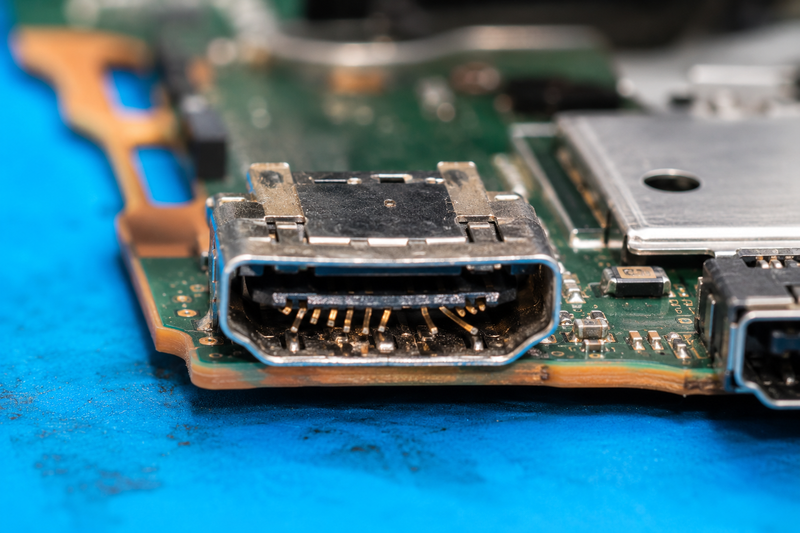
HDMI Issues Can Make It Seem Like the PS5 Won’t Turn On
Believe it or not, sometimes the PS5 is actually turning on.
You just can’t see it.
A damaged HDMI port can prevent video from reaching your TV, making it appear as though the console is dead.
Common HDMI Port Symptoms
- White light on console but no display
- “No Signal” message on TV
- Flickering screen
- Intermittent picture
At Gadget Medic Express, HDMI port replacement is one of our most common game console repairs.
A damaged HDMI port often occurs after:
- Accidental cable yanks
- Dropping the console
- Forcing cables into the port
- Frequent plugging and unplugging
Software Corruption and Failed Updates
Sometimes the issue isn’t hardware at all.
A failed software update can leave the PS5 stuck during startup.
Signs include:
- Blue light that never stops blinking
- Safe Mode boot loops
- Frozen startup screens
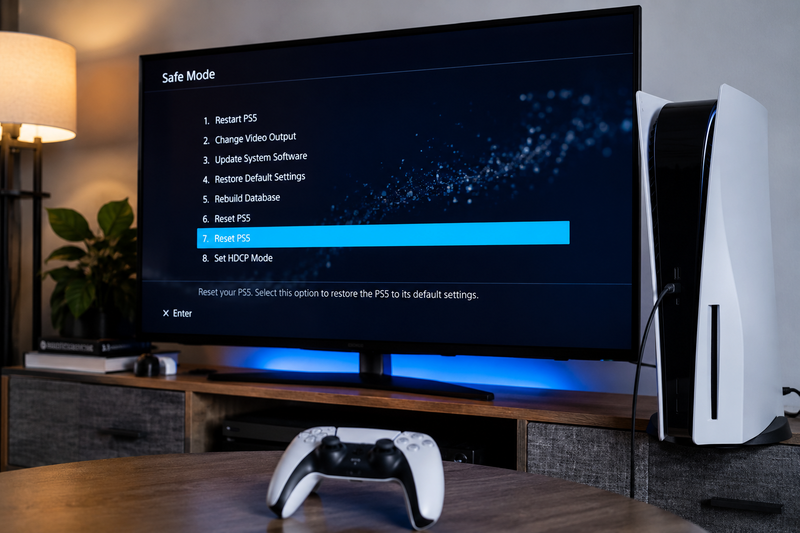
Try Safe Mode
To access Safe Mode:
- Turn off the console completely.
- Hold the power button.
- Continue holding until you hear a second beep.
- Connect the controller via USB.
From there, you may be able to:
- Rebuild the database
- Update system software
- Restore settings
If Safe Mode won’t load, deeper diagnostics may be required.
Motherboard Damage
The More Serious Possibility
If you’ve tried everything and your PS5 still won’t turn on, motherboard damage may be the culprit.
The motherboard controls nearly every function inside the console.
Common causes include:
- Power surges
- Liquid damage
- Physical impact
- Failed electronic components
Symptoms often include:
- No power whatsoever
- Flashing lights
- Immediate shutdowns
- Random startup failures
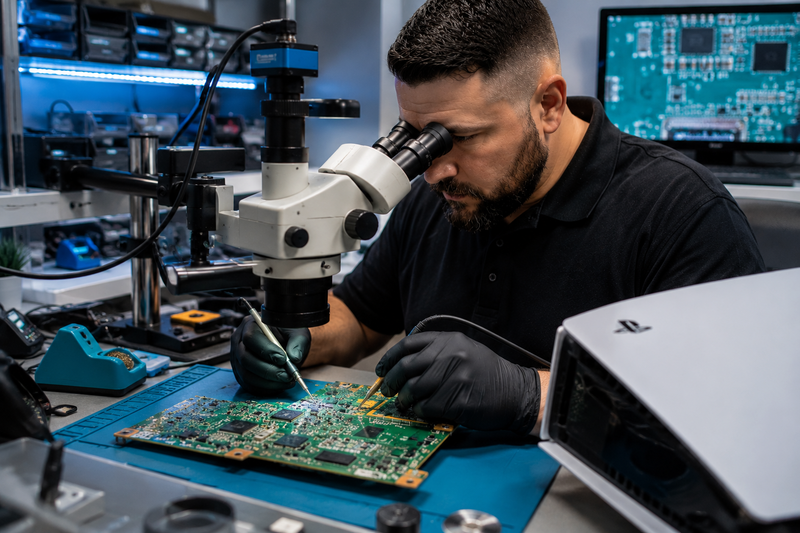
Motherboard repairs frequently require advanced microsoldering equipment and expertise.
Many shops simply replace consoles when they encounter board-level issues. At Gadget Medic Express, we perform diagnostics to determine whether repair is possible before recommending replacement.
Why Professional Diagnosis Matters
When searching online for answers to “Why won’t my PS5 turn on?”, you’ll find countless videos suggesting random fixes.
Unfortunately, guessing can make matters worse.
We’ve seen customers accidentally damage:
- HDMI ports
- Power connectors
- Internal ribbon cables
- Motherboards
A professional diagnostic process helps identify the real cause before unnecessary parts are replaced.
Why East Texas Gamers Trust Gadget Medic Express
For more than 13 years, Gadget Medic Express has been helping customers throughout Longview, Henderson, Kilgore, Hallsville, White Oak, Gladewater, Gilmer, Daingerfield, and surrounding communities repair the devices they depend on every day.
Our customers choose us because we offer:
- Family-owned and operated service
- Fast turnaround times
- Experienced technicians
- Advanced microsoldering capabilities
- Lifetime warranty on most repairs
- Excellent Google reviews
- Honest diagnostics
- Walk-in service available
Unlike mail-in repair companies, we’re local. When you bring your PS5 to us, you’re working with real technicians who can explain exactly what’s wrong and what your options are.
Don’t Assume Your PS5 Is Dead
A PS5 that won’t turn on doesn’t automatically mean you need a new console.
Many startup issues are repairable, including:
- Power supply failures
- HDMI port damage
- Software corruption
- Overheating issues
- Motherboard faults
The sooner the problem is diagnosed, the better the chances of preventing additional damage and getting you back to gaming quickly.
Frequently Asked Questions
Why won’t my PS5 turn on but it beeps?
A beep usually indicates the console is receiving some power but cannot complete the startup process. Possible causes include power supply issues, software corruption, overheating, or motherboard problems.
Can a damaged HDMI port make my PS5 look dead?
Yes. The console may actually be powering on, but a damaged HDMI port prevents video from reaching the TV.
How do I know if my PS5 power supply is bad?
Common symptoms include no lights, no sounds, sudden shutdowns, or complete failure to power on despite a working outlet and power cable.
Is a PS5 motherboard repair possible?
In many cases, yes. Advanced diagnostics and microsoldering can often repair motherboard-level failures that other shops may consider unrepairable.
Should I repair or replace my PS5?
It depends on the cause of the failure. Many PS5 issues can be repaired for significantly less than the cost of purchasing a new console.
Recent Comments